
Flexable equalizer and spectrum visualization
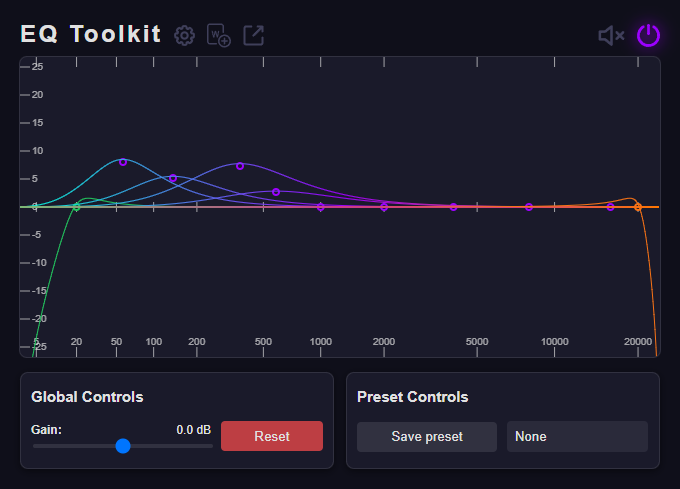
Shape bass, vocals, and highs with adjustable frequency points. Choose any frequency you want, adjust it, and see the changes instantly.
Sound tuned to you
Boost volume, shape every frequency, and save your favorite sound — right in the browser.

Everything within reach
Shape bass, vocals, and highs with adjustable frequency points. Choose any frequency you want, adjust it, and see the changes instantly.
Raise or lower the overall level for the active tab.
Save favorite settings and return to them in one click.
Keep separate sound settings for different tabs and sites.
Enable auto launch on your favorite websites.
Control key actions from the keyboard.
Simple by design
Add EQ Toolkit from the Chrome Web Store.
Play audio in a tab and open the extension.
Drag the EQ points or choose a preset you already love.
EQ Toolkit
No. We don't collect or store user data; everything happens in your browser.
Try refreshing the page.
Use tab capture mode.
EQ Toolkit
Add EQ Toolkit to Chrome and take control of sound on every website.